
If you’ve ever wondered whether your game pad could salvage your chicken dinner in PUBG Mobile, you’re in the right place. With the rise of mobile gaming, many players are evolving their setups to rival traditional consoles. But, can your trusty controller deliver during heated battles? Let’s unpack it with a sprinkle of humor and a lot of insights.
Understanding Controller Support in PUBG Mobile
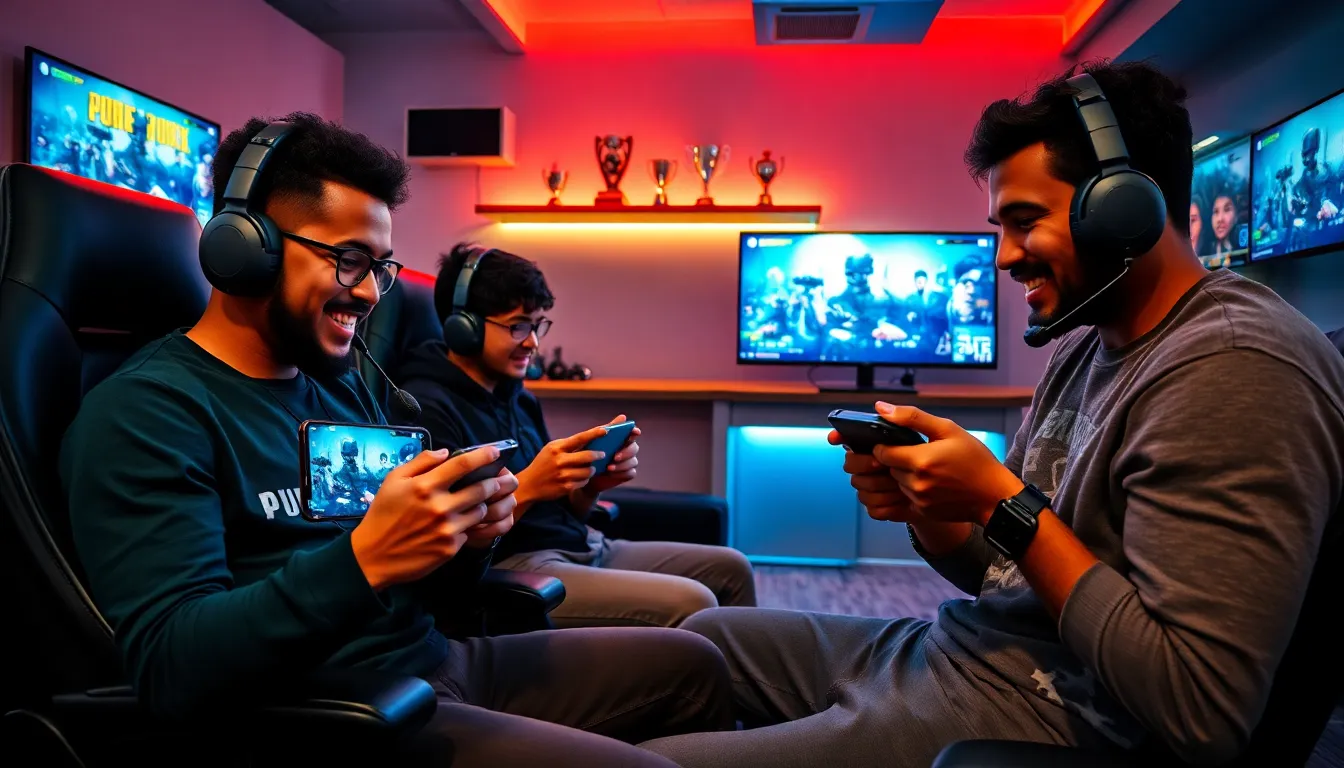
When it comes to controller support, PUBG Mobile has not been left behind in the gaming evolution. For many players, the delicate dance of thumbs on touch screens can feel like trying to juggle while riding a unicycle. A controller can significantly enhance gameplay and provide that much-needed accuracy in a battle royale where every second counts. But hold your horses. Is this feature even officially supported? Let’s dive deeper.
Official Support for Controllers
Before you start shopping for a shiny new controller, it’s important to note that PUBG Mobile officially supports controllers, but there are a few hurdles. The game is compatible with both Android and iOS devices, albeit with a few limitations. To avoid soggy situations, players must ensure that their controllers are compatible and properly set up. Even though the vague phrase “controller support” floats around in gaming chats, the real experience can vary, so let’s break it down to avoid disappointment.
Types of Controllers Compatible with PUBG Mobile
Diving into the nitty-gritty, various controllers are compatible with PUBG Mobile. Here are some popular options:
Wired Controllers
These tend to offer more reliable connectivity, eliminating any pesky latency issues. Controllers like the Xbox One controller or PlayStation DualShock 4 can simply be plugged in via USB OTG.
Wireless Controllers
On the other hand, wireless controllers are perfect for gamers who value freedom of movement. Bluetooth-enabled controllers like the Razer Raiju and the Xbox Elite Series 2 work seamlessly with mobile devices.
Setting Up a Controller for PUBG Mobile
No one wants a controller that refuses to cooperate. To set up a controller for PUBG Mobile, simply connect it via Bluetooth or USB OTG, provided your mobile device is compatible. You might find the interface somewhat different than expected, so be prepared for a short learning curve.
Configuring Sensitivity and Key Bindings
Once connected, dabble into the settings to adjust sensitivity and key bindings. Each player has their unique play style, and customizing these can turn your controller into a lethal weapon. Spending some time tweaking these settings might mean the difference between victory and defeat. After all, even the best controller won’t make you a pro overnight.
Tips for Using a Controller Effectively
Now that you’re set up, let’s discuss how to master controller usage in PUBG Mobile. First, practice makes perfect. Familiarize yourself with the mappings before jumping into a match. Also, consider finding a comfortable grip. Holding the controller for excessive periods can lead to discomfort. A good grip not only enhances precision but can also lead to longer gaming sessions without fatigue.
Also, it’s essential to maintain situational awareness, especially in a fast-paced battle royale. Use your controller’s unique features to your advantage, such as aiming with precision instead of relying on the more imprecise touch controls. Keep an eye out for enemy movements and communicate with teammates frequently: teamwork remains vital, regardless of controller preference.
Common Issues with Controller Support
Even the best-laid plans can hit snags. As with any technology, issues are bound to arise. Some players report connectivity problems, especially with Bluetooth controllers. Lag or disconnection can elevate frustration levels quicker than a final circle showdown.
Another common issue revolves around button mapping. Sometimes, players might find that specific commands don’t translate as expected, leading to confusion during critical moments. To avoid running into these hiccups, it’s advisable to familiarize yourself with options in the settings menu before matchmaking.
The Future of Controller Support in Mobile Gaming
As mobile gaming continues to evolve, so too does the need for better controller support. Seeing the growing interest in competitive play and eSports, it’s likely that developers will prioritize enhanced compatibility and functionality. Also, as technology advances, we may witness increased support for more diverse controller types, potentially making mobile gaming a more attractive option for hardcore gamers. This opens possibilities that were once confined to traditional consoles or PCs.

