

Imagine the thrill of dropping into Erangel with the precision of a sniper and lightning-fast reflexes, all thanks to your trusty keyboard and mouse. While many players still rely on touch controls, switching to keyboard and mouse can elevate gameplay to a whole new level. Forget the sweaty palms and cramped thumbs: it’s time to embrace an experience that promises enhanced accuracy and control. You’ll find that your enemies won’t know what hit them as you glide effortlessly through the battlefield. Let’s jump into why PUBG Mobile enthusiasts are making the switch and how they can maximize their performance.
Understanding Keyboard And Mouse Compatibility
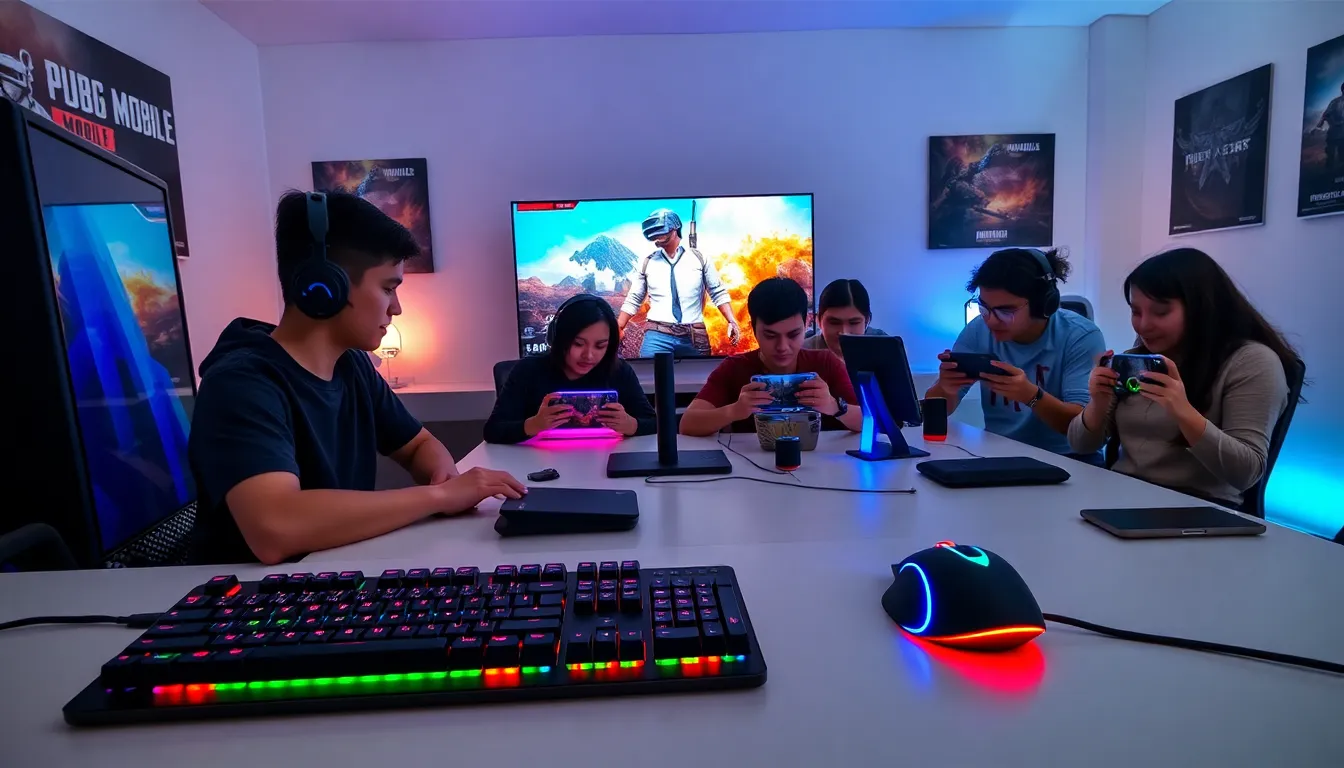
Before jumping to conclusions about performance improvements, players must understand the compatibility of keyboard and mouse configurations with PUBG Mobile. The game, designed primarily for touch screens, doesn’t natively support mouse and keyboard setups on most mobile devices. But, various adapters and software solutions enable this capability, bridging the gap between mobile and console/PC gaming.
Players should also check the specifics of their devices. Some Android and iOS devices allow for easy mouse and keyboard integration, while others may require additional software or hardware. Researching compatibility can save time and frustration, making it easier for players to transition seamlessly.
Benefits Of Using Keyboard And Mouse For PUBG Mobile
Who wouldn’t want to enhance their gaming experience? Adopting a keyboard and mouse configuration opens up a wealth of advantages.
Enhanced Precision
One of the primary benefits of switching to a keyboard and mouse is pinpoint accuracy. When aiming down sights or making delicate movements, the precision offered by a mouse far exceeds that of touch-controlled gaming. In PUBGs fast-paced environment, being able to swiftly flick your aim can mean the difference between victory and defeat.
Faster Response Times
The rapid feedback and ability to trigger commands quickly with keyboard shortcuts provide another layer of responsiveness. This speed can help players react more effectively during intense firefights.
Customization
Players can customize keymaps to suit their playstyle. Want to throw a grenade with the press of a button? You can set that up easily. This level of customization fosters a deeper connection to the gameplay, making every session more engaging and enjoyable.
How To Set Up Keyboard And Mouse For PUBG Mobile
Setting up a keyboard and mouse for PUBG Mobile might seem daunting, but it’s straightforward. Here’s how to get started:
- Choose an Adapter:
Look for a reliable keyboard and mouse adapter that’s known for its compatibility with mobile devices. For instance, adapters like the IOGEAR KeyMander or the Razer Raiju Mobile can work wonders.
- Connect Your Gear:
Plug your keyboard and mouse into the adapter, and then connect the adapter to your mobile phone via USB or Bluetooth, depending on the model.
- Configure Settings:
Access the adapter’s software to configure settings as per your gameplay needs. Adjust sensitivity, key mappings, and other features to align with your style.
- Launch PUBG Mobile:
Open the game and check whether the mouse and keyboard inputs are correctly mapped. If the inputs aren’t recognized, revisit the adapter settings until everything runs smoothly.
Best Keyboards And Mice For PUBG Mobile
Selecting the right keyboard and mouse is crucial for an effective setup. Here are some of the best options:
Keyboards
- Razer BlackWidow Lite:
A tactile mechanical keyboard that offers fast response times and customizable RGB lighting.
- Logitech G Pro X:
This compact yet robust keyboard is perfect for mobile gamers, allowing for easy portability without sacrificing performance.
Mice
- Logitech G502 HERO:
Known for its accurate sensors and customizable buttons, this mouse can dramatically improve in-game performance.
- Razer DeathAdder V2:
A lightweight and ergonomic mouse that’s favored by many professional gamers for its unparalleled comfort and precision.
Common Issues And Troubleshooting Tips
Even though the advantages, players may encounter hurdles when using a keyboard and mouse for PUBG Mobile. Here are some common issues and how to troubleshoot them:
Input Lag
If there’s a noticeable delay between movements and in-game action, adjust the sensitivity settings on the adapter or the game itself.
Key Mapping Issues
Ensure key mappings are correct within the adapter’s software. Revisit the settings to reconfigure any misallocated keys.
Connectivity Problems
If the keyboard or mouse disconnects unexpectedly, check the battery levels and connection stability. Remember, wired connections tend to be more reliable than wireless ones.
By addressing these common issues, gamers can enjoy a smooth and fulfilling experience.

