
Imagine gearing up for an epic raid in World of Warcraft, only to be greeted by the dreaded message: “Unable to start up 3D acceleration.” It’s like preparing for a grand feast and finding out the kitchen’s on fire. Frustrating, right? Gamers everywhere know that this pesky issue can turn a highly anticipated gaming session into a headache faster than you can say “For the Horde!”
Overview of the Issue
Encountering the error message “Unable to start up 3D acceleration” in World of Warcraft creates significant frustration for players. This issue often halts gaming sessions at inopportune moments, especially before raids or important quests. Affected players may find their computer systems unable to utilize the hardware acceleration necessary for optimal graphics performance.
Insufficient graphics drivers frequently lead to the problem. Outdated drivers can prevent the game from accessing essential graphic card features. Updating these drivers is a common first step in troubleshooting the issue.
Players with integrated graphics cards also face challenges. These systems sometimes lack the capabilities required for 3D acceleration, resulting in compatibility issues. Checking system requirements ensures that players use compatible hardware.
In some cases, third-party software interferes with 3D acceleration. Programs like screen recorders or overlays can disrupt normal game operations. Disabling or uninstalling such applications can often resolve the error.
Additionally, settings within the game can contribute to the problem. Incorrect graphics settings may prevent access to 3D acceleration. Tweaking these settings or resetting them to default might help restore functionality.
Identifying the root cause requires systematic troubleshooting. Players should start with driver updates before investigating hardware compatibility. Addressing software conflicts follows as another critical step in resolving the issue.
Through these actions, many players successfully combat the “Unable to start up 3D acceleration” error and return to their gaming experience.
Common Causes of 3D Acceleration Problems
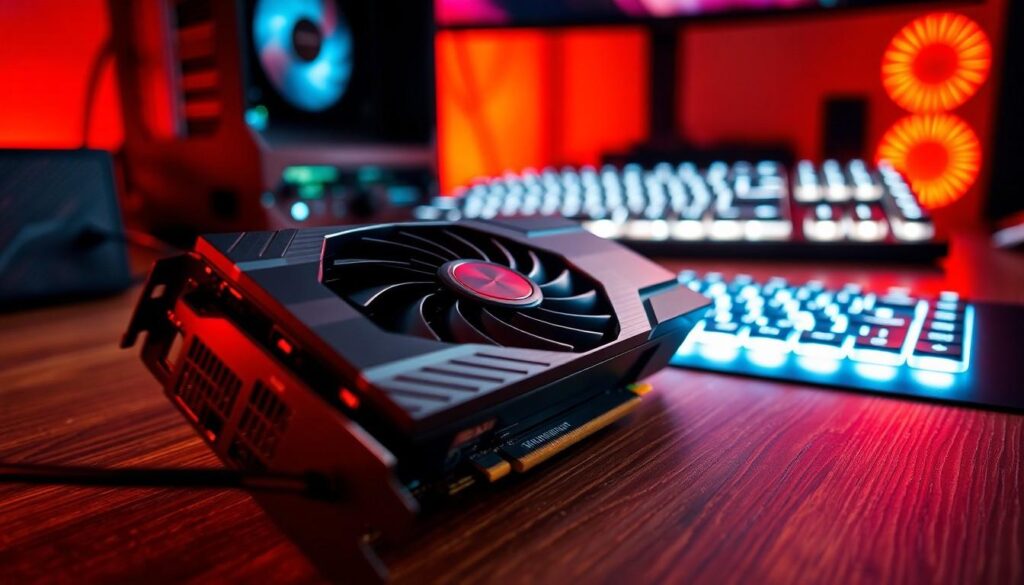
3D acceleration issues can stem from various sources. Understanding these causes helps players address the “Unable to start up 3D acceleration” error effectively.
Graphics Card Compatibility
Compatibility between the graphics card and World of Warcraft proves crucial. Integrated graphics cards often lack the power for optimal 3D acceleration. Users should verify that their systems meet the game’s hardware requirements. Each player must ensure their graphics card supports the DirectX version needed by the game. If the hardware doesn’t match, performance suffers, causing frustrating gameplay interruptions.
Outdated Drivers
Outdated drivers often trigger 3D acceleration errors. Keeping graphic drivers current remains essential for gaming performance. Outdated software may not support advanced graphical features necessary for World of Warcraft. Players can visit the manufacturer’s website to download the latest drivers. Regular updates prevent performance issues and enhance compatibility, addressing potential errors quickly.
Software Conflicts
Interference from third-party software contributes to 3D acceleration problems. Applications such as screen recorders or overlays can disrupt game performance. Disabling or uninstalling these applications often resolves the issue. Players should check for running processes that might conflict with the game. Ensuring a clean software environment helps maintain smooth gameplay, mitigating potential disruptions.
Solutions to Fix the Error
When facing the “Unable to start up 3D acceleration” error in World of Warcraft, several solutions can help restore functionality.
Updating Graphics Drivers
Updating graphics drivers is crucial for resolving 3D acceleration errors. Players should visit the official website of their graphics card manufacturer to download the latest drivers. Regular updates often include fixes and enhancements that improve performance and compatibility. Installing these updates can provide access to important features required by the game. After updating, restarting the system may further ensure that changes take effect.
Adjusting Game Settings
Adjusting game settings can also address the 3D acceleration issue. Within the game options, players can reset graphics settings to default, which may eliminate conflicts causing the error. Lowering graphical settings like texture quality and resolution might also enhance performance for systems with integrated graphics. After making adjustments, restarting the game is advisable to apply the new settings effectively.
Checking System Requirements
Checking system requirements is essential for determining hardware compatibility with World of Warcraft. Players must verify that their systems meet the minimum requirements, especially regarding the graphics card and DirectX version. Integrated graphics cards may not support the necessary 3D acceleration features, leading to performance issues. Referencing the official requirements listed on the game’s website can guide players in making informed upgrades or adjustments to their systems.
User Experiences and Feedback
Players frequently express frustration when encountering the “Unable to start up 3D acceleration” error. Their excitement for raids and quests quickly turns into irritation as gaming sessions abruptly halt. Many report that outdated graphics drivers often trigger this issue, leading to significant downtime. Updating drivers emerges as a common, effective first step for troubleshooting.
Experiences also reveal that players with integrated graphics cards struggle with compatibility. Such hardware may not support the necessary 3D acceleration for optimal performance, causing additional setbacks. Checking system requirements becomes essential, as players ensure their setups meet the game’s specifications.
Third-party software represents another source of frustration for many players. Conflicts from applications like screen recorders or overlays can prevent proper graphics acceleration. Disabling or uninstalling these applications often resolves the issue, allowing players to return to gaming without interruption.
Some users discover that incorrect graphics settings within the game contribute to the problem. Adjusting these settings or resetting them to default proves beneficial for restoring functionality. Reports indicate that a few simple tweaks can significantly improve performance, particularly for those using less powerful graphics solutions.
Common themes arise in player feedback as well. Many emphasize the importance of keeping graphic drivers up to date by accessing the manufacturer’s website for the latest versions. Experiences show that players find success after ensuring their systems align with the minimum requirements set by World of Warcraft.
Overall, player testimonials highlight a clear pattern in tackling the “Unable to start up 3D acceleration” error. Systematic approaches to troubleshooting, including regular updates and hardware checks, empower players to navigate these challenges effectively.
Conclusion
Facing the “Unable to start up 3D acceleration” error can be a significant setback for World of Warcraft players. Understanding the common causes and implementing the recommended solutions can restore gaming functionality.
Keeping graphics drivers updated and ensuring hardware compatibility are crucial steps. Players should also be mindful of third-party software that might interfere with game performance.
By addressing these issues systematically, many gamers can overcome this frustrating obstacle and get back to their adventures in Azeroth.

